



Compare 10 Bitcoin hardware wallets by signing workflow, recovery design, transaction review, PSBT transfer, and multisig compatibility
These ten devices do not provide the same kind of security. Coldcard Q, Passport Core, Jade Plus, and SeedSigner emphasize visible offline transaction transfer; BitBox02 Bitcoin-only narrows firmware scope; Trezor Safe 7 and Ledger Flex prioritize readable touchscreen confirmation; Bitkey and Cypherock X1 redesign recovery; Keystone 3 Pro combines QR signing with broader asset support.
A defensible hardware-wallet setup must pass three tests. The owner can verify the destination, amount, fee, and change on a trusted display; recover the intended wallet from documented backups; and complete the same workflow without improvising when a phone, computer, signer, or service is unavailable. A secure element or air gap is useful only inside a process that passes all three tests.
Related guides: Bitcoin Hardware Wallet Backup and Recovery: How to Test and Restore Safely, Best Bitcoin Lightning Wallet for Merchants, and Best Bitcoin Hardware Wallets in 2026
Bitcoin Hardware Wallet Security Comparison
The signing path determines how an unsigned transaction reaches the device and how the signature returns. USB and Bluetooth reduce friction but create a direct communication path. QR and MicroSD make the handoff more visible, yet they still require the user to inspect the transaction on the signer. A transfer method does not validate the destination by itself.
| Wallet | Best fit | Distinguishing workflow | Main trade-off to verify |
|---|---|---|---|
| Coldcard Q | Advanced Bitcoin-only custody | QR, microSD, and detailed on-device review | Steeper operating curve |
| BitBox02 Bitcoin-only | First hardware wallet | Focused app and straightforward backup flow | Fewer standalone controls |
| Blockstream Jade Plus | Value-focused Bitcoin users | Camera-led QR signing and Green integration | Security model depends on chosen setup |
| Foundation Passport Core | Premium air-gapped workflow | QR signing with Bitcoin-focused interface | Higher purchase cost |
| Trezor Safe 7 | Guided onboarding | Touch interface and broad companion software | Larger software and asset scope |
| Ledger Flex | Multi-asset touchscreen use | Large display and mobile integration | Closed secure-element trade-off |
| Bitkey | Recovery-focused beginners | Three-part recovery model without a conventional seed workflow | Greater service dependency |
| Cypherock X1 | Distributed backup | Key material split across device and cards | More components to preserve |
| Keystone 3 Pro | QR-first multi-asset signer | Camera-based transaction transfer | Verify Bitcoin-only workflow boundaries |
| SeedSigner | DIY and stateless signing | User-built, temporary seed operation | Assembly and operator discipline required |
Recovery design determines which material must survive a lost device. Conventional BIP39 products depend on a seed backup and any optional passphrase. Bitkey distributes recovery across a phone, hardware key, and service. Cypherock splits recovery material across physical components. SeedSigner stores no seed between sessions, so the external backup becomes operationally central.
The remaining controls are trust boundary and operator burden. Firmware scope, companion software, vendor services, secure elements, reproducible builds, coordinator compatibility, and multisig descriptors all change what the owner must trust or preserve. A design with fewer vendor dependencies can still be less secure for an operator who cannot rehearse it correctly.
Top hardware-wallet security models
Every device below is assessed against the same operating sequence: initialize from a trusted source, verify a receive address, construct a transaction, review it on the signer, recover the wallet, and repeat the process through the intended multisig or watch-only setup. The comparison does not award security points for a feature that the owner cannot independently verify or reproduce.
A hardware wallet cannot compensate for a seed stored in a cloud note, an unknown supply chain, an unrecorded multisig policy, or a transaction approved without checking the destination. Each profile therefore identifies both the control provided and the failure that remains with the operator.
1. Coldcard Q: best for advanced Bitcoin-only custody
Coldcard Q is designed for an experienced Bitcoin holder who wants several ways to keep signing separate from a networked computer. Its official materials describe a full QWERTY keyboard, larger display, QR scanner, MicroSD support, battery operation, and dual secure elements. The product page also makes open-source and reproducible-firmware claims, while the Q product page distinguishes it from the smaller Mk5.
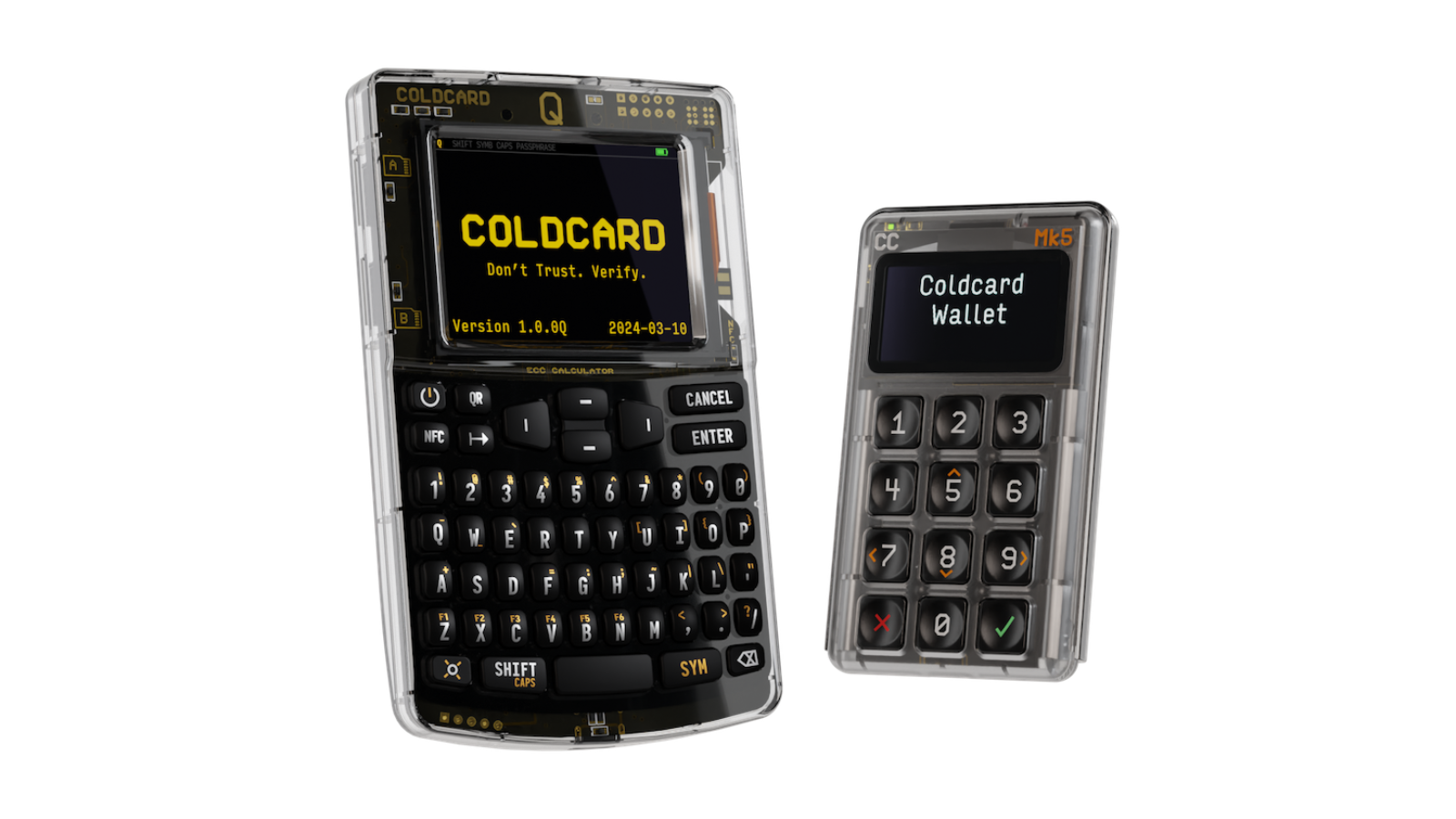
The useful control is not an abstract claim of more security. It is the ability to create a transaction in a coordinator, move the PSBT through QR or MicroSD, verify it on the device, sign, and return the signature without giving the coordinator direct command of the keys. The remaining risk is human review: an isolated signer still signs the wrong payment when the owner ignores its screen.
The trade-off is operational complexity. A buyer must understand the coordinator, backup process, passphrase behavior, and transaction review. The keyboard may be valuable for people who regularly use long passphrases, but it is unnecessary for a holder who makes one carefully planned transaction every year.
2. BitBox02 Bitcoin-only: best first dedicated signer
The Bitcoin-only edition of BitBox02 is aimed at users who want a hardware wallet with a deliberately limited asset scope. BitBox states that the Bitcoin-only firmware supports only Bitcoin and cannot be reset to support other coins. The company also describes a secure-chip design and open-source firmware with deterministic builds on its official product page.
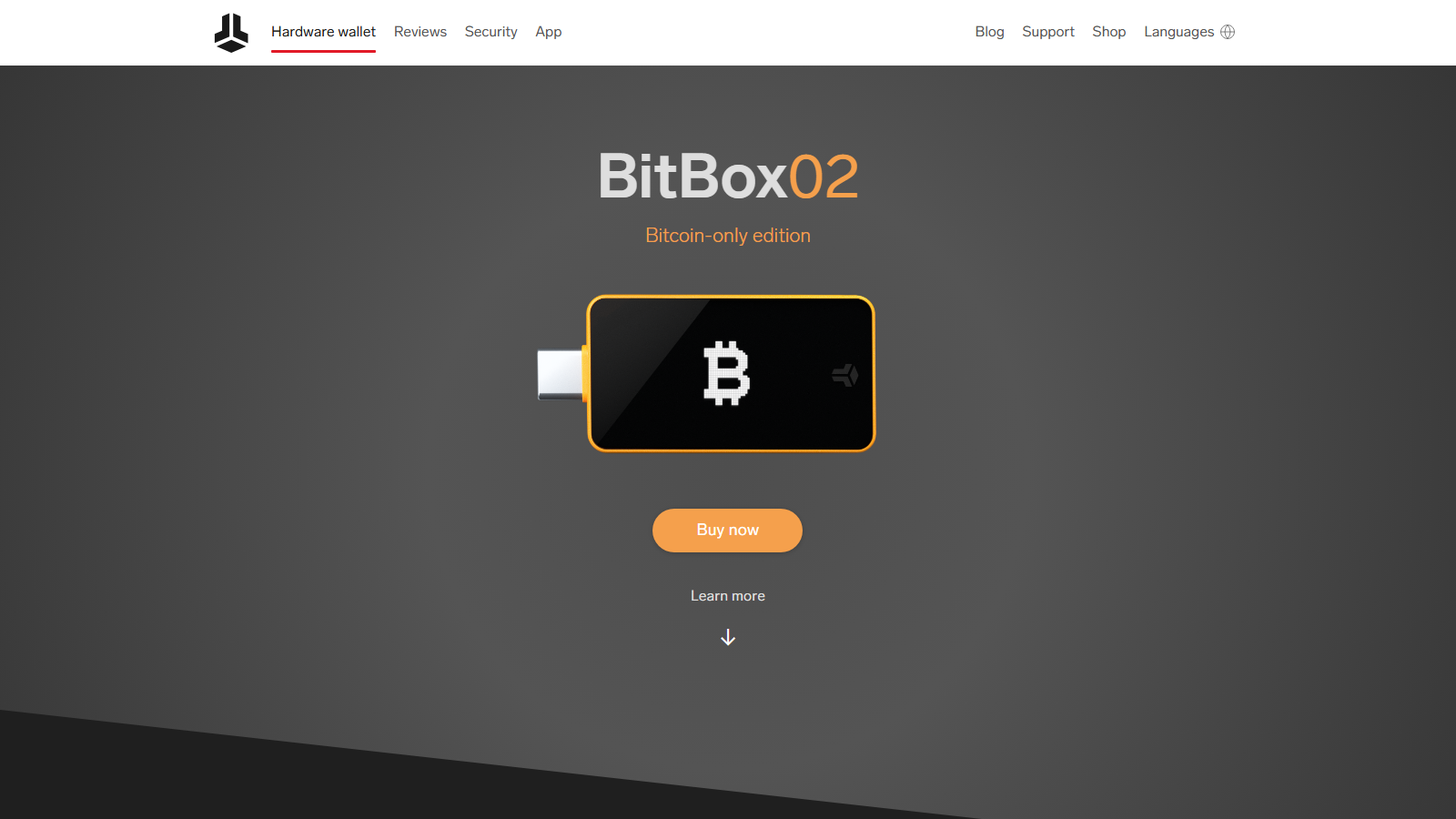
That narrow scope can make the product easier to reason about. The device is not trying to be a universal wallet for every chain, so the buyer’s decision is mainly about Bitcoin storage, companion software, backup, and compatibility. It is a reasonable fit for someone who wants a conventional setup but still prefers Bitcoin-only firmware.
Its limitation is that “Bitcoin-only” does not mean “risk-free.” The owner still has to verify the shipping source, initialize the device privately, protect the backup, and confirm addresses on the device. The correct comparison is not Bitcoin-only versus unsafe. It is focused scope versus broader scope, with different usability and compatibility trade-offs.
3. Blockstream Jade Plus: best value QR signer
Jade Plus offers a camera, 1.9-inch color display, USB-C, Bluetooth, and Bitcoin-only QR transactions. Blockstream describes the platform as fully open source and lists its connection methods on the Jade product page. Its security model changes with the selected mode, so the owner must document whether the production wallet uses a conventional seed, a stateless workflow, QR transfer, or a direct companion connection.
Its security architecture and optional stateless operation require more explanation than a conventional seed-and-secure-element product. Buyers should test the exact QR workflow, companion wallet, and recovery mode they intend to use rather than treating the air-gap label as proof of a complete security model.
4. Foundation Passport Core: best premium air-gapped workflow
Passport Core is a Bitcoin-focused signer built around a large color screen, physical controls, QR transfer, and MicroSD. The Foundation Passport page positions it as a camera-led signing tool that works with external Bitcoin coordinators instead of forcing every transaction through one proprietary desktop application. This is useful for holders who want clear transaction review and a polished watch-only and PSBT workflow.
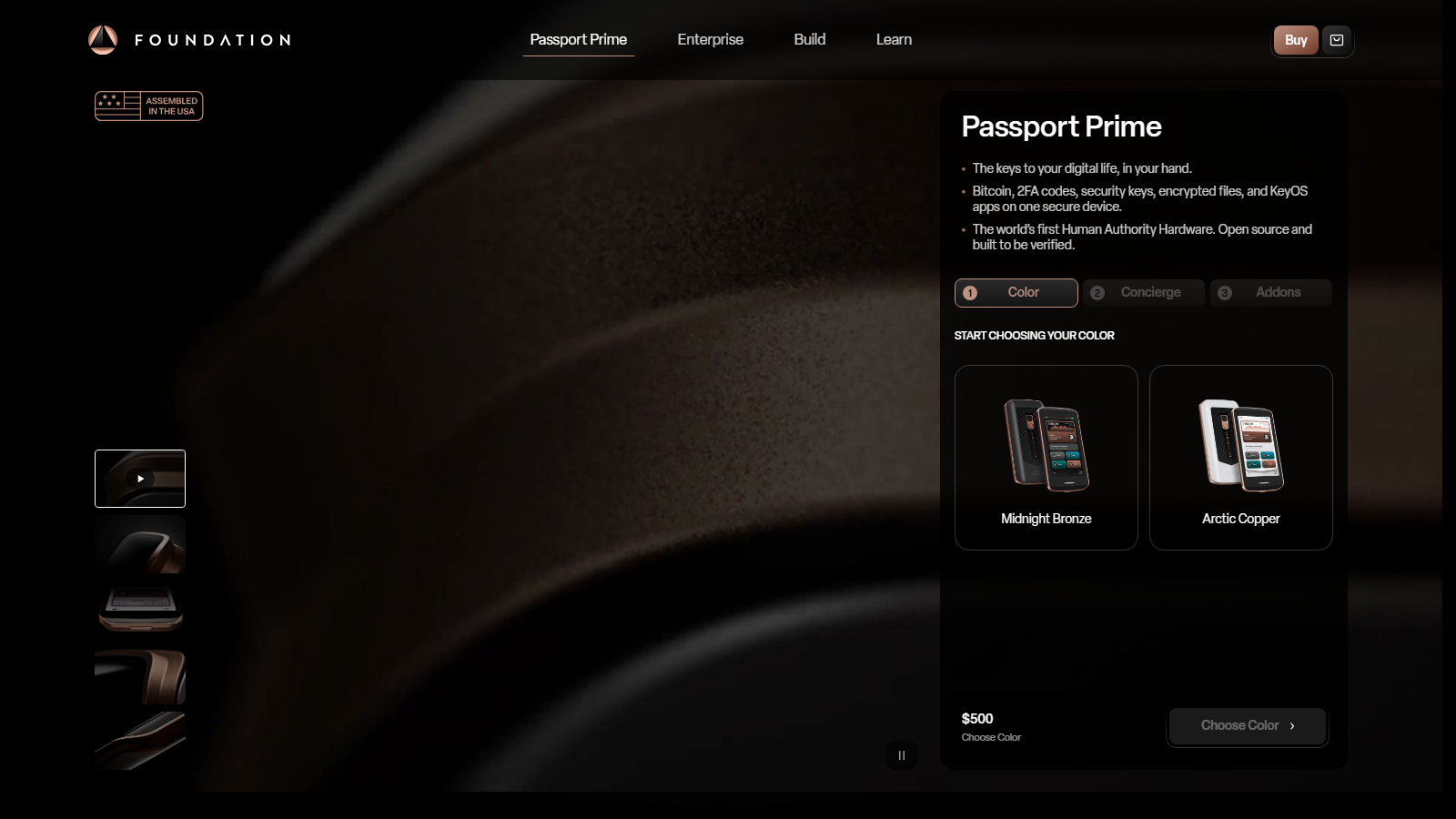
The main constraint is cost and process depth. Passport makes the transfer path easier to inspect, but the owner still needs a compatible coordinator, a verified backup, and a recovery record containing the account policy. It is most defensible for a meaningful long-term balance rather than occasional low-value spending.
5. Trezor Safe 7: best guided touchscreen setup
Trezor Safe 7 pairs a 2.5-inch touchscreen with USB-C, Bluetooth, two secure elements, a hardened MCU, and 12-, 20-, or 24-word backup options. Trezor also offers a Bitcoin-only edition on the Safe 7 product page. The large display and guided Suite workflow make backup recovery easier to rehearse for users who dislike small screens and button combinations.
It is not a QR or MicroSD air-gapped signer, and the broader Trezor ecosystem exposes more features than a narrowly scoped vault device. Buyers should choose the Bitcoin-only edition when altcoin support has no operational value and test Bluetooth and wired workflows separately.
6. Ledger Flex: best multi-asset touchscreen experience
Ledger Flex uses a 2.84-inch E Ink touchscreen, secure element, USB-C, Bluetooth, and NFC within Ledger’s multi-asset ecosystem. The Ledger Flex page is aimed at buyers who need frequent mobile use and readable transaction confirmation across many assets. Its screen is the practical advantage over small two-button devices.
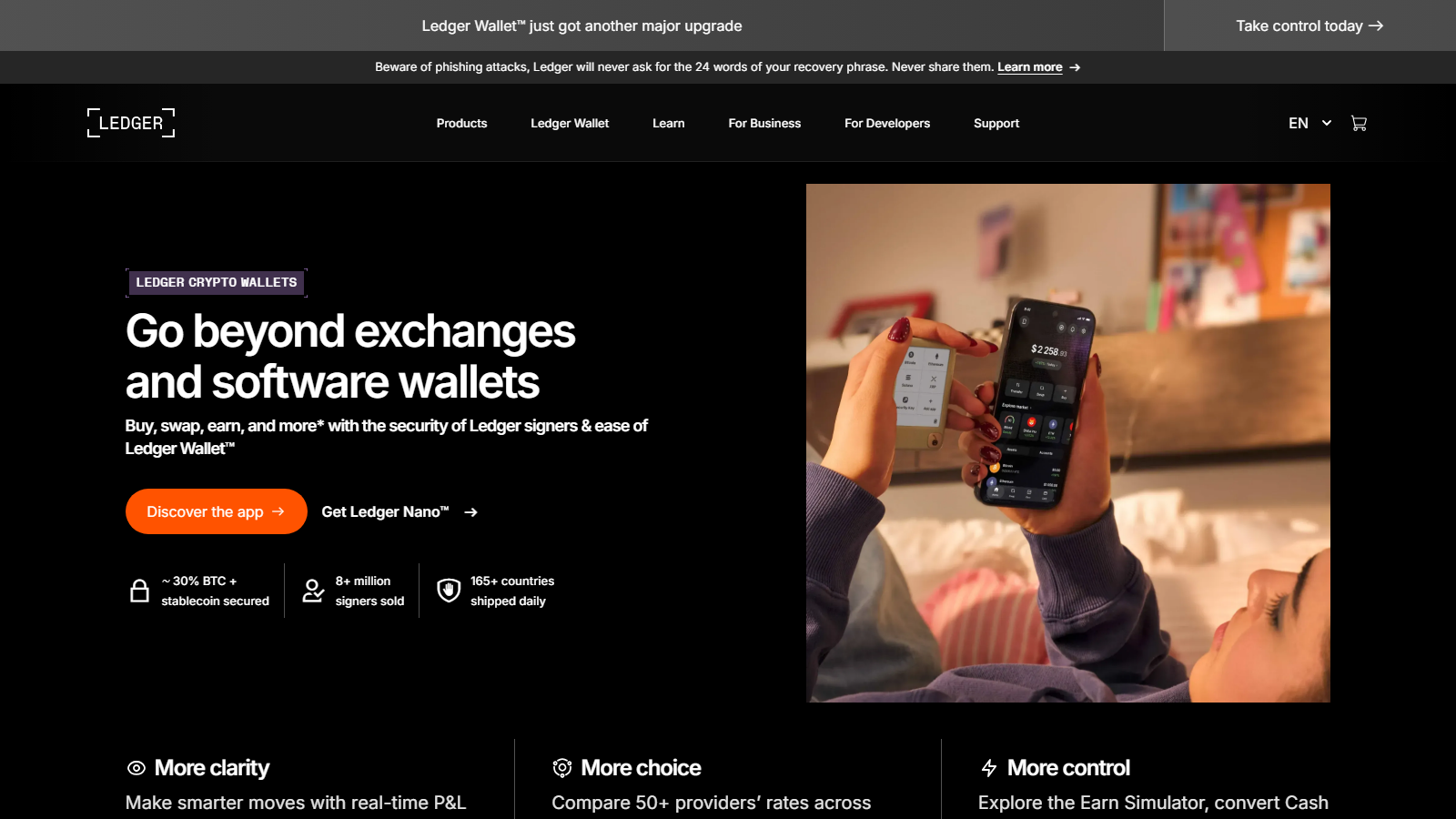
The trade-off is a closed secure-element and operating-system model plus a larger multi-asset surface than a Bitcoin-only setup requires. Its security case rests on readable confirmation and secure-element isolation rather than minimal firmware scope. A Bitcoin-only holder should compare that trust boundary with the narrower assumptions of BitBox02, Coldcard, Jade, or Passport.
7. Bitkey: best recovery-led beginner system
Bitkey replaces the conventional single-device seed workflow with a three-key model involving the mobile application, hardware device, and Bitkey service. Normal spending uses two keys, while its recovery tools are designed for phone or hardware loss. The Bitkey website describes a guided self-custody setup for owners who do not want to manage a traditional seed phrase directly.
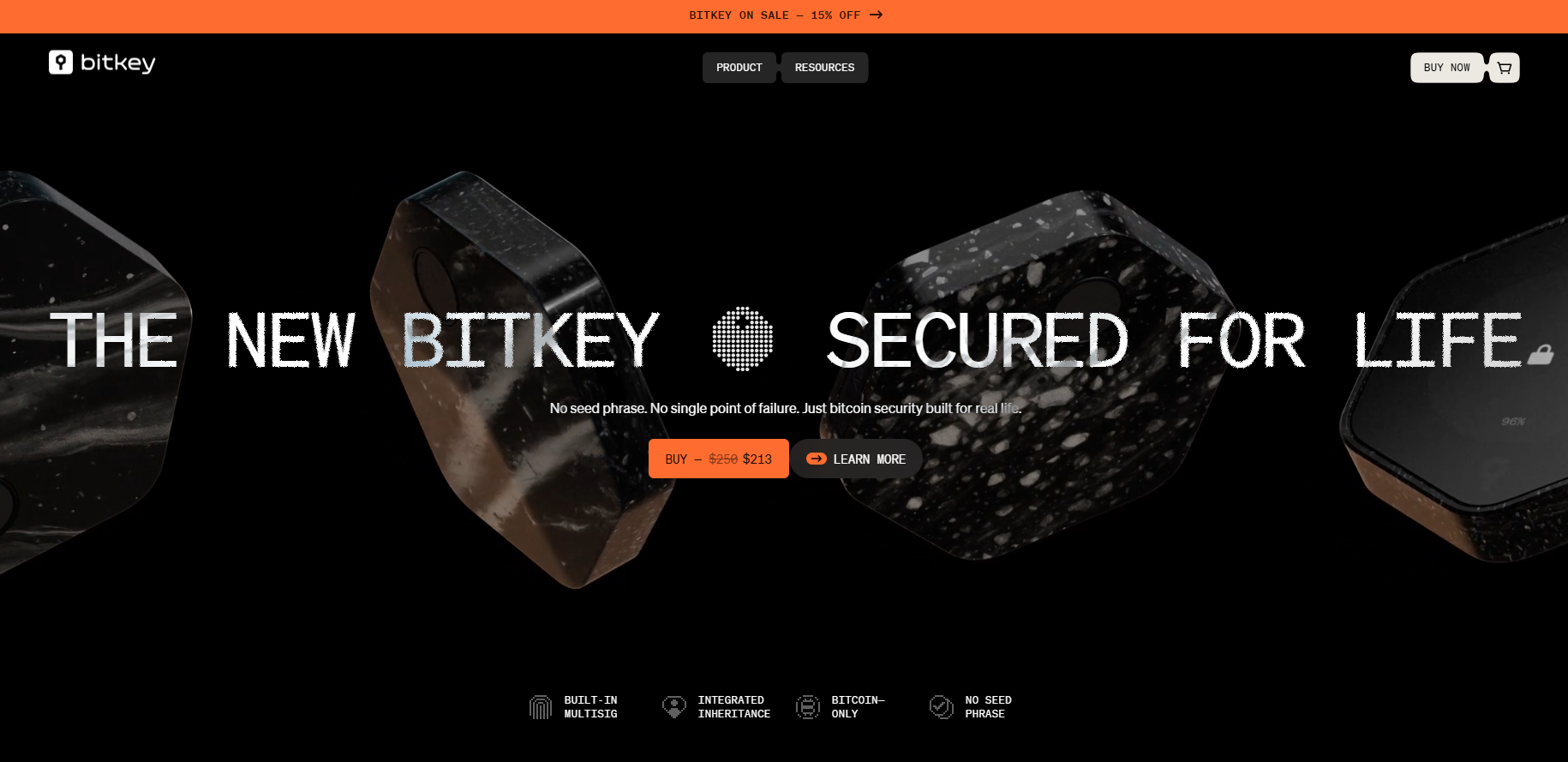
That usability creates service dependency and a different trust model from a standalone BIP39 signer. Bitkey is appropriate only when the owner understands which recovery actions require the company, how delayed recovery protection works, and what heirs can recover if both user devices disappear.
8. Cypherock X1: best distributed physical backup
Cypherock X1 distributes key material across its X1 Vault and multiple X1 Cards instead of relying on one written seed as the normal backup. The Cypherock website presents this design as a way to remove a single physical recovery point while keeping the signing device separate from the cards. It fits owners who can store several components in distinct controlled locations.
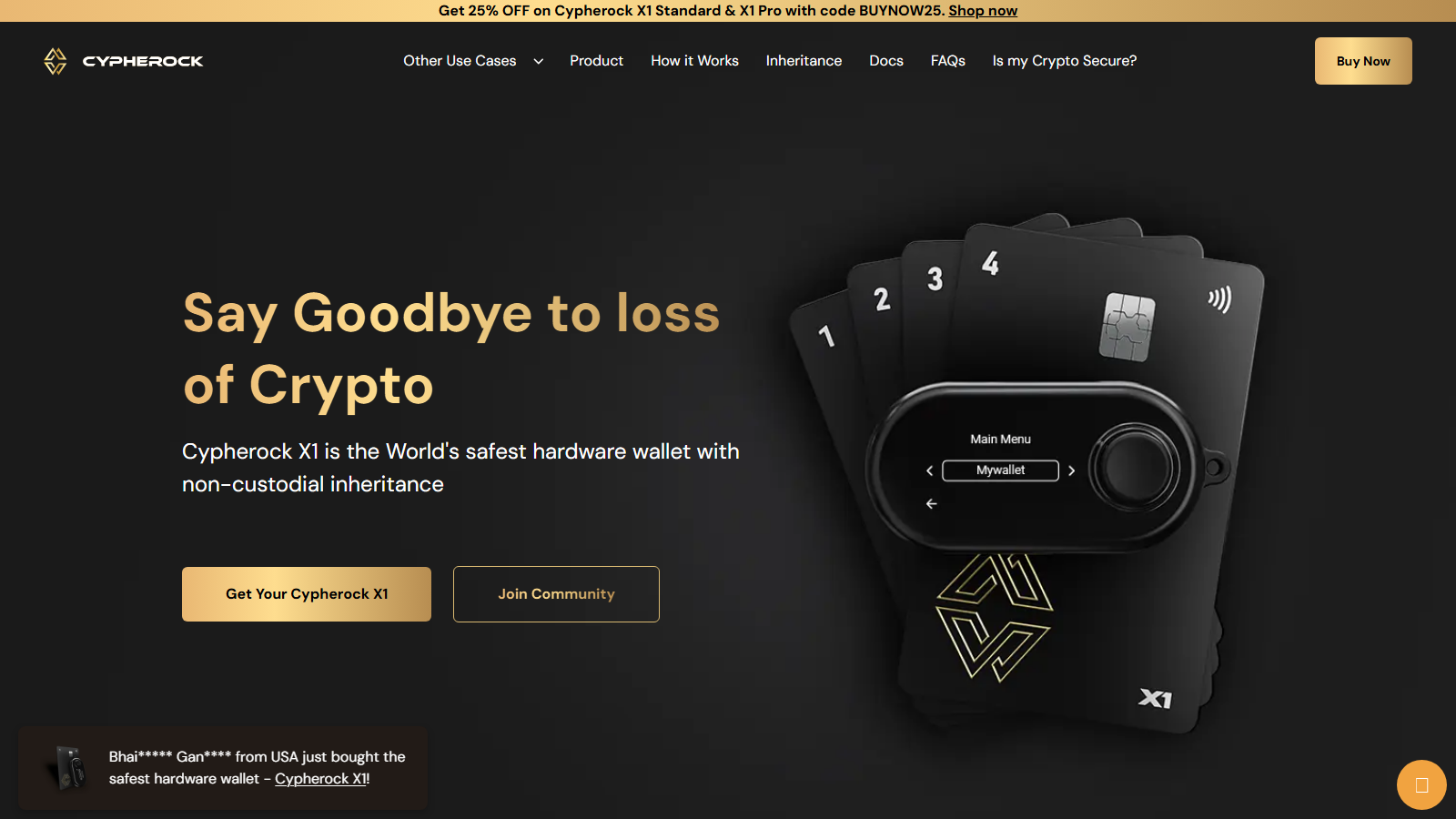
More components create more inventory and succession work. The owner must document which parts are required, test recovery without exposing the production wallet, and ensure that a future operator can identify the correct cards. It is not automatically simpler than two well-protected BIP39 backups.
9. Keystone 3 Pro: best QR-first multi-asset signer
Keystone 3 Pro combines a large touchscreen, camera-based QR transfer, fingerprint input, and a multi-asset firmware path. The Keystone website makes it attractive to users who want air-gapped signing across Bitcoin and other ecosystems without relying on a small display. Bitcoin users should verify the current firmware mode, coordinator compatibility, PSBT behavior, and change-address verification before purchase.
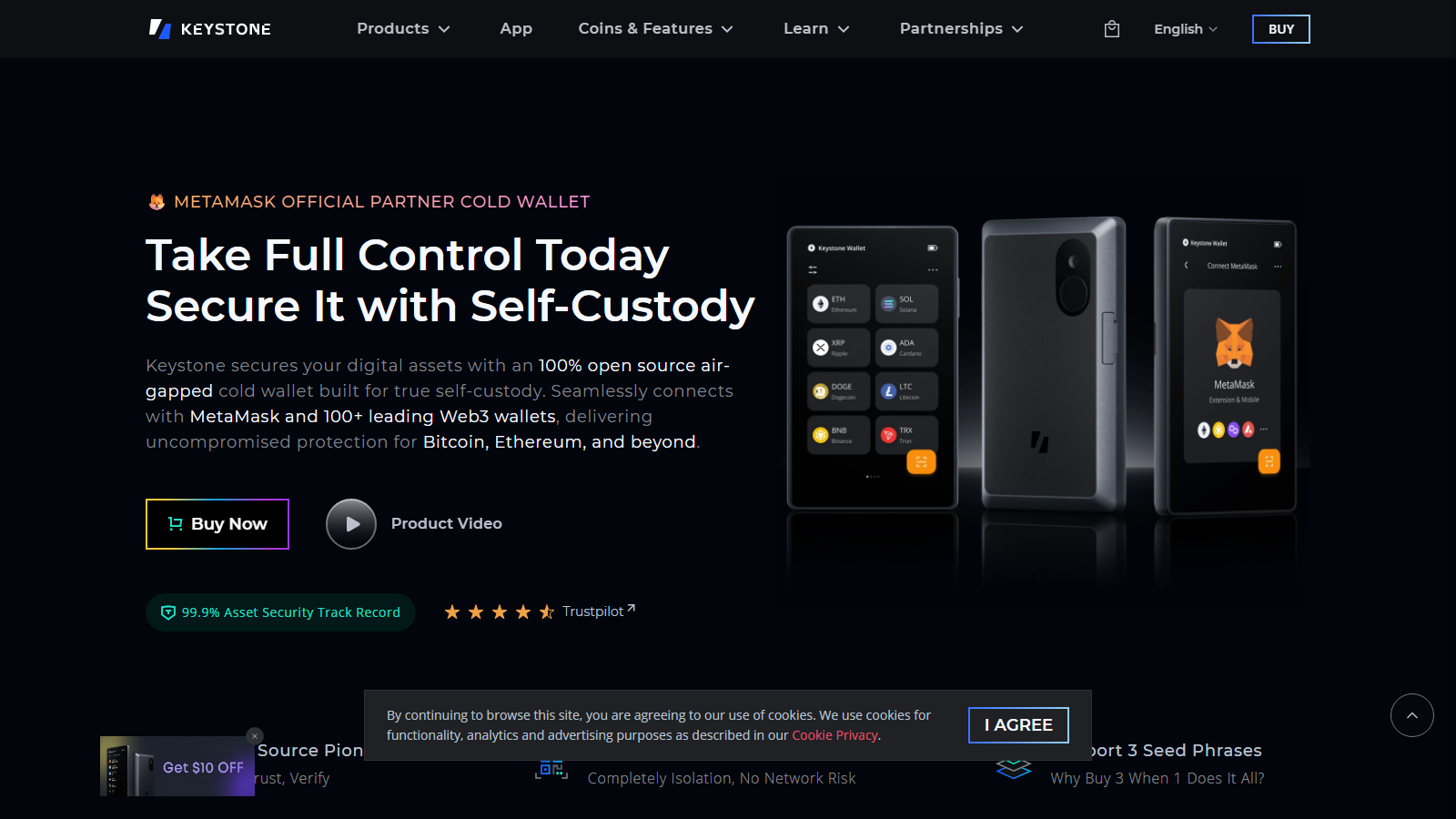
Its broader chain support is the central compromise. The device can provide a strong visual signing workflow, but a Bitcoin-only buyer may prefer Jade, Passport, or Coldcard when reducing software scope matters more than multi-chain flexibility.
10. SeedSigner: best DIY stateless signer
SeedSigner is assembled from commonly available components, typically using a Raspberry Pi Zero, camera, and display. It operates statelessly by loading the seed for a signing session and communicating through QR codes. The SeedSigner website describes an inspectable path for multisig participation and self-assembled signing hardware.
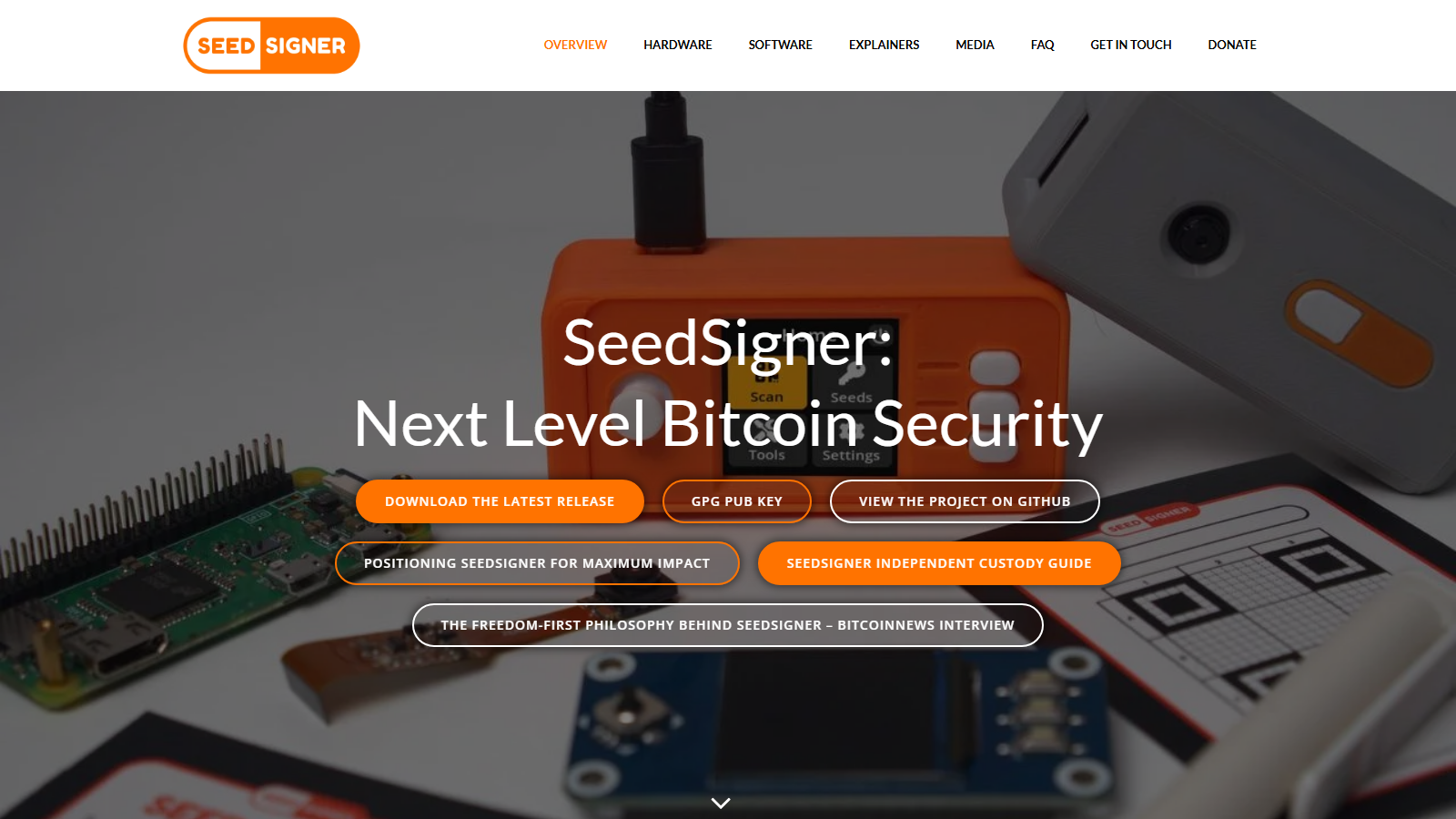
The user becomes the integrator. Component sourcing, software-image verification, seed entry, backup quality, QR operation, and physical privacy all depend on operator discipline. SeedSigner fits a technical owner who accepts that responsibility; it does not fit someone who needs a sealed device and guided recovery.
Match the device to the failure being controlled
Use BitBox02 Bitcoin-only or Trezor Safe 7 when the main risk is an owner abandoning a complicated process. Their focused or guided workflows still require private initialization, device-screen address verification, a low-value first transaction, and a completed recovery drill before a meaningful balance is moved.
Coldcard Q, Passport Core, and Jade Plus address a different concern: reducing direct communication between the signer and a networked coordinator. Keystone 3 Pro provides a similar QR concept with broader asset support. These transfer methods are valuable only when the owner can recognize the correct PSBT, fee, destination, and change output on the trusted screen.
Bitkey and Cypherock X1 change the recovery boundary rather than simply changing the cable. Bitkey introduces a service-assisted three-key system; Cypherock introduces several physical recovery components. SeedSigner removes persistent key storage from the signer but makes private seed loading and the external backup central. Ledger Flex places readable confirmation and mobile convenience inside a broader vendor and multi-asset stack.
Conclusion
Coldcard Q exposes the most signing-path choices, BitBox02 Bitcoin-only narrows software scope, Jade Plus and Passport Core emphasize QR handoff, and Trezor Safe 7 and Ledger Flex emphasize readable confirmation. Bitkey, Cypherock X1, and SeedSigner each relocate recovery risk in a different way, while Keystone 3 Pro trades Bitcoin-only minimalism for multi-ecosystem QR use. The defensible choice is the device whose trust boundary, transaction review, and recovery procedure the owner has tested end to end.
Frequently asked questions
Is a Bitcoin-only hardware wallet safer than a multi-asset wallet?
Bitcoin-only firmware narrows the supported code and asset scope, which some users prefer as a risk-reduction strategy. It does not eliminate supply-chain, backup, phishing, or operator mistakes. The relevant choice is whether the narrower scope improves your ability to understand and maintain the wallet.
Does an air-gapped wallet protect against wrong-address payments?
No. It can reduce some direct communication paths, but the user still has to verify the destination and amount on the trusted device. Malware can manipulate information before signing, and a user can approve a wrong address if they do not inspect it.
Should beginners use multisig immediately?
Usually not without a recovery plan. Multisig can distribute failure, but it adds descriptors, key locations, coordinator choices, and recovery steps. A beginner should first demonstrate that they can back up and restore a single-signature wallet before taking on a quorum policy.
Is an open-source wallet automatically more secure?
No. Open-source code improves inspectability, but the full security model also includes builds, updates, hardware, key generation, physical access, and user behavior. Treat the claim as one input to the comparison rather than a final verdict.
Disclaimer: This article is for informational purposes only and does not constitute financial or investment advice. Cryptocurrency and digital asset markets carry significant risk. Always do your own research before making decisions.
